Basic combobox
Another common use for the Livewire autocomplete component is as a combobox.
This allows users to search for and select existing records, and it also allows users to create a new record based on the data entered into the input.
As an example, lets create a user combobox, which will allow us to search through existing users and select one of them. It will also allow us to enter the name of a user that doesn't exist so a new user can be created later.
Component
Blade view
<x-autocomplete auto-select wire:model.live="userId"> <x-autocomplete.input wire:model.live="search" :disabled="$userId"> <x-autocomplete.clear-button /> </x-autocomplete.input> <x-autocomplete.list class="max-h-56"> @foreach ($this->users as $user) <x-autocomplete.item :key="$user->id" :value="$user->name"> {{ $user->name }} </x-autocomplete.item> @endforeach </x-autocomplete.list></x-autocomplete>Component class
use App\Models\User;use Livewire\Attributes\Computed;use Livewire\Component; class UsersList extends Component{ public $search = ''; public $userId = null; #[Computed] public function users() { return User::orderBy('name') ->when( $this->search, fn ($query, $value) => $query->where('name', 'like', "%{$value}%") ) ->get(); }}Screenshots
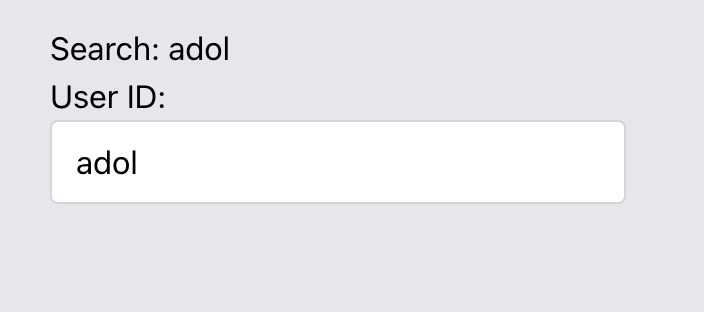
Searching for a user
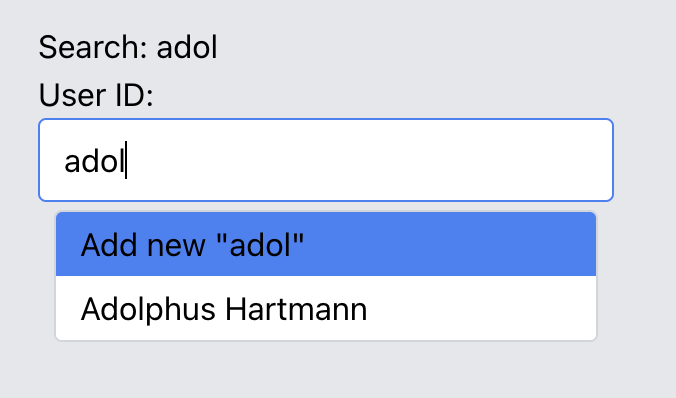
Add new row selected