Save search select
To follow up to the basic search select, this is an example of how you would take the selected record and associate it with another model.
As an example, lets create an author search select for creating a blog post an associating an author with that blog post.
Component
Blade view
<form wire:submit="create"> {{-- Other form fields --}} <x-autocomplete auto-select wire:model.live="authorId"> <label> Author <x-autocomplete.input wire:model.live="authorName" :disabled="$authorId"> <x-autocomplete.clear-button /> </x-autocomplete.input> </label> <x-autocomplete.list class="max-h-56"> @foreach ($this->authors as $author) <x-autocomplete.item :key="$author->id" :value="$author->name"> {{ $author->name }} </x-autocomplete.item> @endforeach </x-autocomplete.list> </x-autocomplete> <button type="submit"> Create Post </button></form>Component class
use App\Models\Post;use App\Models\User;use Livewire\Attributes\Computed;use Livewire\Component; class SaveSearchSelect extends Component{ // Other form fields public $authorName = ''; public $authorId = null; #[Computed] public function authors() { return User::orderBy('name') ->when( $this->authorName, fn ($query, $value) => $query->where('name', 'like', "%{$value}%") ) ->get(); } public function create() { // Validation Post::create([ // Other form fields 'author_id' => $this->authorId, ]); }}Screenshots
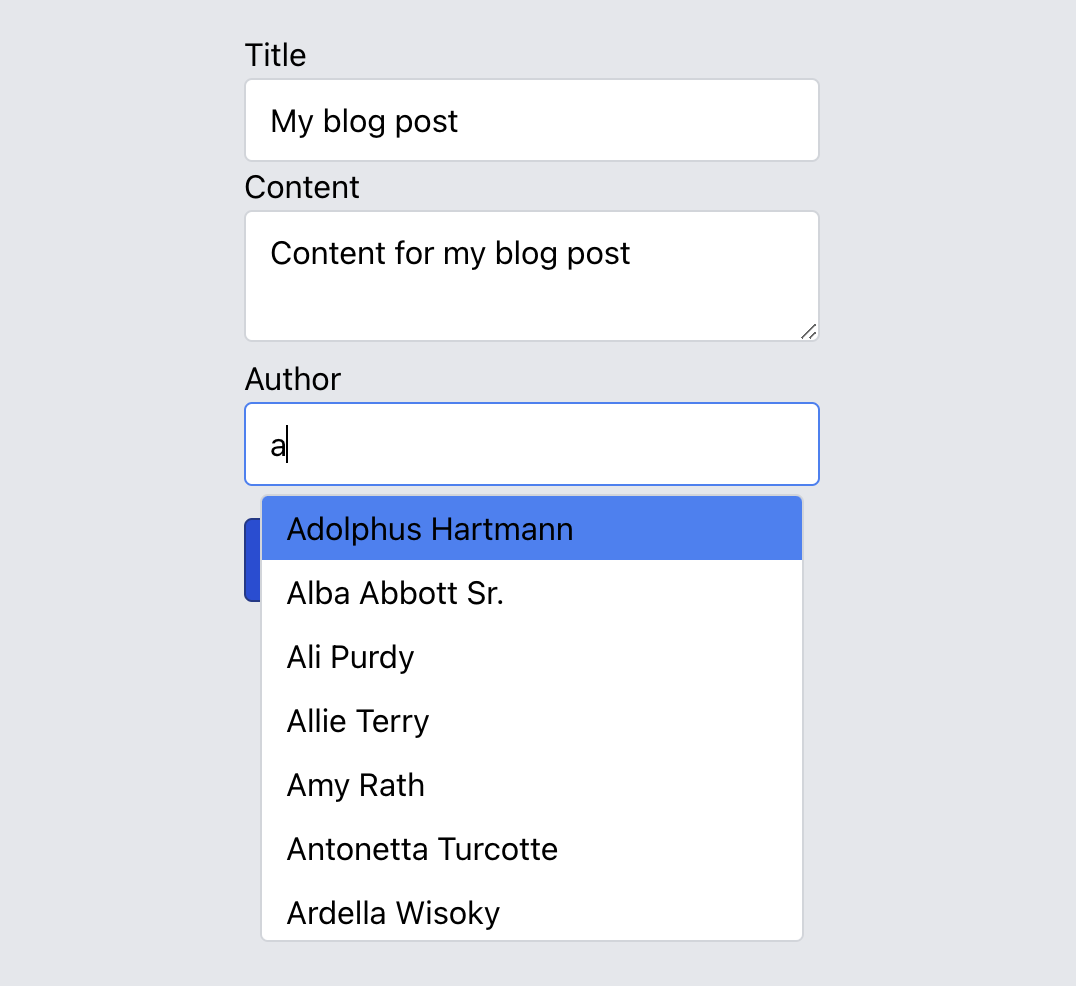
Search for author
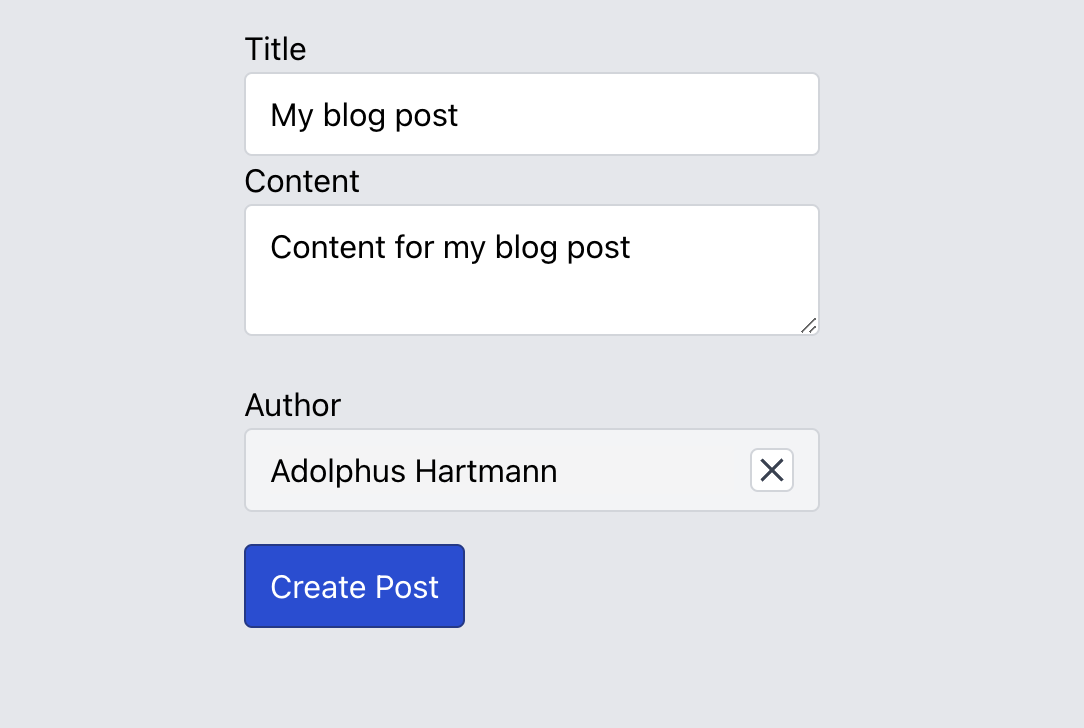
Author selected
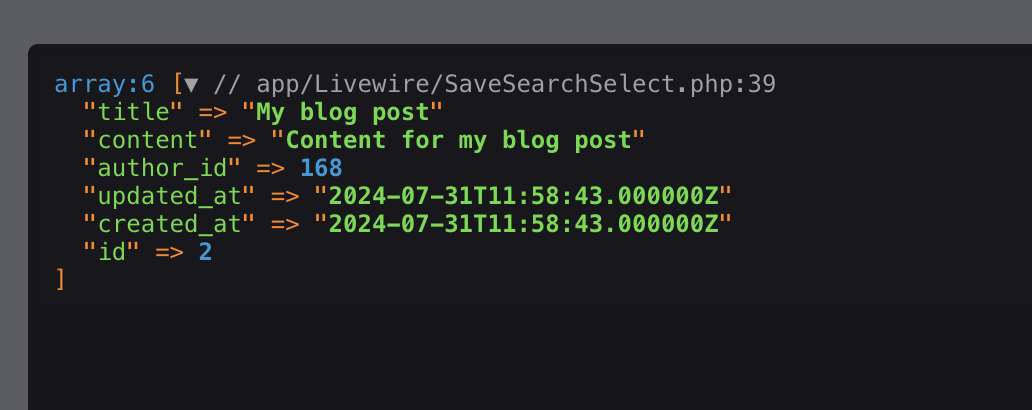
Post saved